
◆ websites for restaurants
Your menu with today's prices, opening hours that are actually right, and a table booked from a phone at the tram stop, all on one page that loads before the guest gives up.
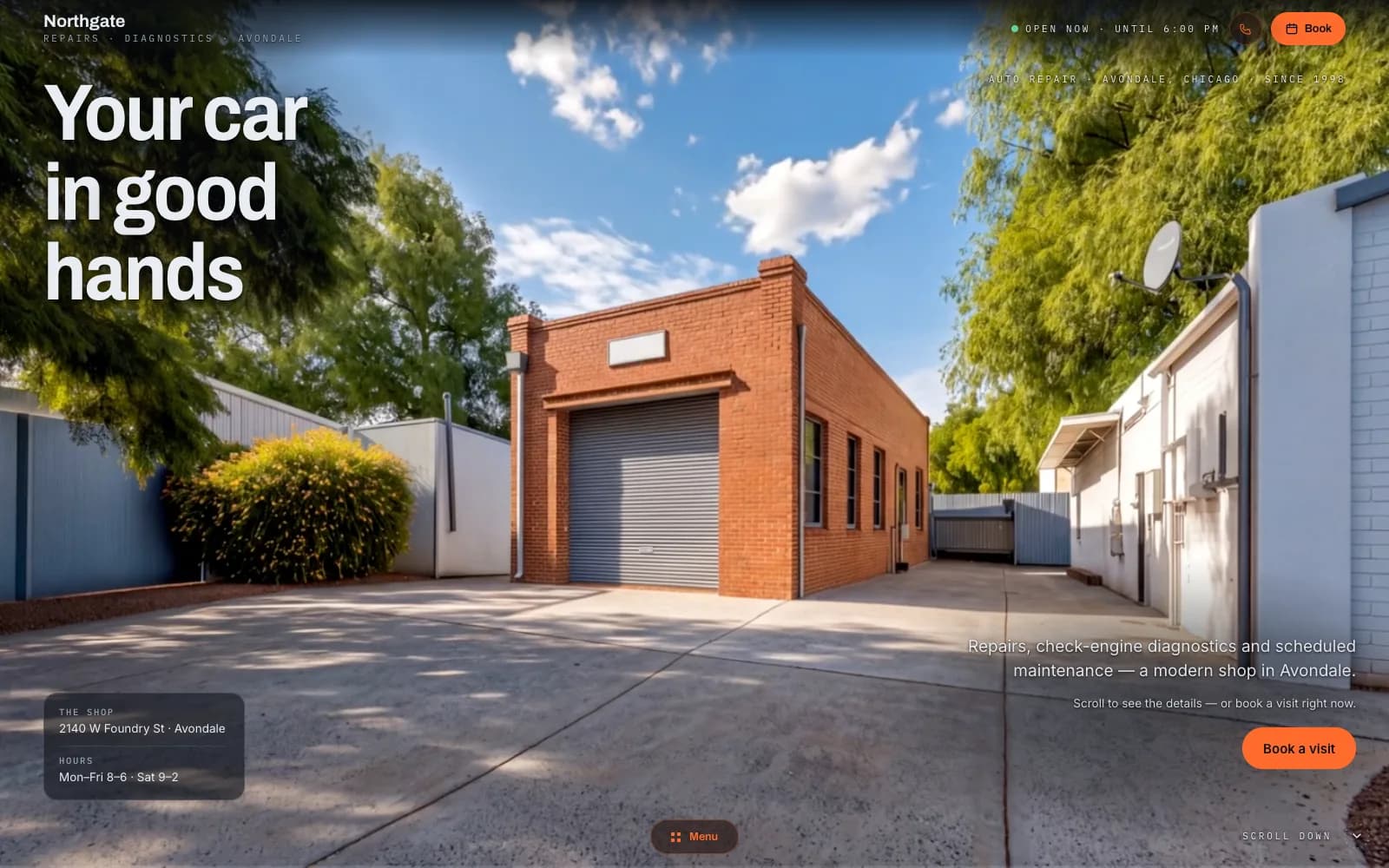
Closest demo for the structure and features: a service-business site — the restaurant layout swaps the service list for a menu with prices and adds a reservations form. Your site gets its own design.
01
Menu with prices
Your full menu as text on the page, not a photo of a PDF: sections, dishes, prices, allergens. You change a price or take a dish off in the panel from the kitchen and it's live. Google reads text, so a search for a dish can find the actual dish.
02
Reservations form
Date, time, number of guests, phone, a note about the pram or the birthday. It lands in your inbox and your panel; you confirm with one message. If you already use a reservations system, I link to it instead.
03
Hours and map
Opening hours by day, with holidays and a kitchen-closes time, shown the same as on your Google listing so nobody is sent to a locked door. The map opens navigation in one tap.
04
Instagram on the page
A row of your best dish photos from Instagram, each linking to the post, and the profile button in the header. When a new dish lands, send me the post and I swap one out; no plugin, nothing to break.
05
Customer reviews from Google
Your latest reviews on the page. A guest choosing between three places on a Friday reads those before the menu.
06
Daily specials block
A box at the top for today's lunch or the weekend special. You send me the text in the morning, a WhatsApp message is enough, and it's up once I've read it. It's the most-visited part of a restaurant site, and usually the one that's a week old.
Websites for restaurants fail in one predictable way: the menu goes stale. It was a PDF the designer uploaded on launch day, prices have moved twice since, and now guests arrive expecting last year's numbers. The rest of the site can be beautiful and it won't matter. A guest picks a place from a phone in under a minute; they want the menu, the hours and whether there is a table, and they want it before the page finishes loading. That is the whole brief: a menu as text you can edit, hours that match Google, a booking that takes ten seconds.
I build it myself, AI doing the hours and me deciding what stays. Restaurant website design is mostly restraint: big photos of real dishes, a menu that reads like a menu, and nothing that slows the page on a phone in a basement with one bar of signal. Pages are server-rendered, so the menu and the hours are indexable text Google can read, not a picture. One person is accountable for the whole thing, including whether the reservation actually arrives, and that person knows the code, so a new section on the menu or a Christmas hours change is a message, not a ticket. The same structure works for a cafe: a shorter menu, and no reservations if you don't take them.
There is no build fee and no agency retainer. You pay a monthly plan; I host the site, keep it updated and change what you ask: a new menu section, seasonal hours, a new set of photos. If it stops earning its keep, you cancel; the plan runs month to month, with no annual contract to break. The photos and the menu text are yours. The site runs on a free Givyx subdomain; if you want your own domain, you buy it in your name and I connect it for free.
first month free
- Up to 15 pages
- Everything in Starter
- Online booking
- Unlimited changes (new features quoted first)
- Advanced SEO
- Analytics dashboard
- Priority support
- 1 design refresh / year
First month free — you pay from month two, and only if you keep the site. Changes are unlimited on the Studio plan, and online booking is included. Other plans on the pricing page; no build fee on any of them.
Can I change the menu myself, without a designer?
Yes, that is the point. The menu is a list in your panel: dish, description, price, allergens, section. Changing a price or hiding a dish takes seconds from a phone. If you'd rather send me a photo of the new menu on WhatsApp, I type it in as part of the plan.
I already take bookings through a reservations app. Can the site use it?
If your system gives you a booking link or an embeddable widget, I put it where the form would be, so guests book in your system straight from the site. If it doesn't, the site's own form collects the booking and you enter it in your system; either way nothing is lost. Tell me which one you use and I'll check what it offers.
Do I need a food photographer?
It helps more here than in any other business, and I'll say so. But a phone by the window in daylight, three dishes, ten minutes, gets you a launch. Stock photos of food are the one thing I won't use: a guest who orders the dish from the photo and gets something else doesn't come back.
How long until it's live?
There's a version to click through after a few days; it goes live once the menu, the photos and the hours have your approval, usually within two to four weeks. The menu is the long part: send it as a spreadsheet or a photo on day one.
Can I see whether the site brings guests?
Every call tap, directions tap and reservation is counted, with the source (Google, Instagram, a QR on the table). You see which days and hours the bookings come in, which is a good argument when deciding whether to open for lunch. It's in your panel, not a report you have to ask for.
◆ let's build
Tell me what you serve, how many tables you have and whether you take reservations. I read every message and reply within a day.